Eduroam for Mac OS X
Before using eduroam you must install an installer (assistance program for setting up the WLAN) on your device.
Please download below. The download will start immediately after clicking the link:
Profile Eduroam for macOS and iOS
Doubleklick the profile

and start the installation:
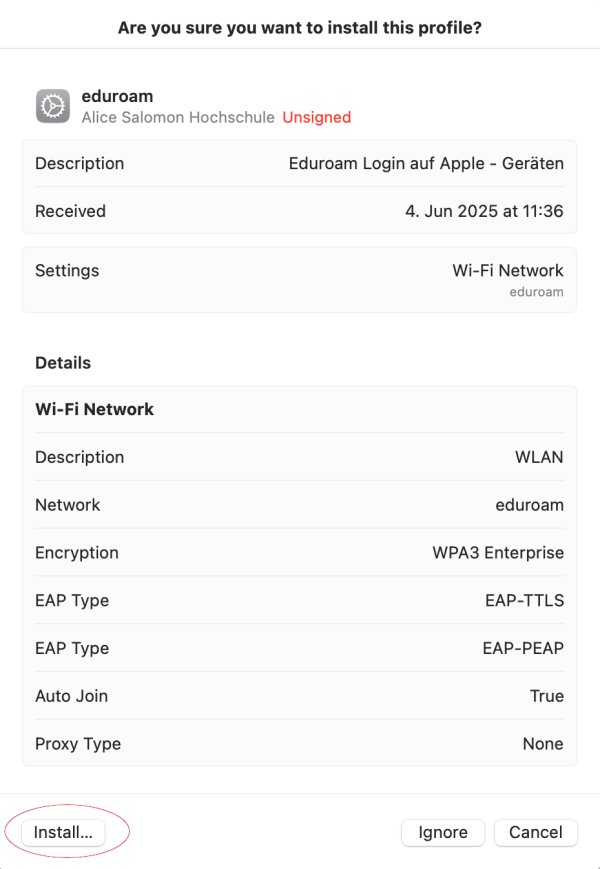
In the following prompt
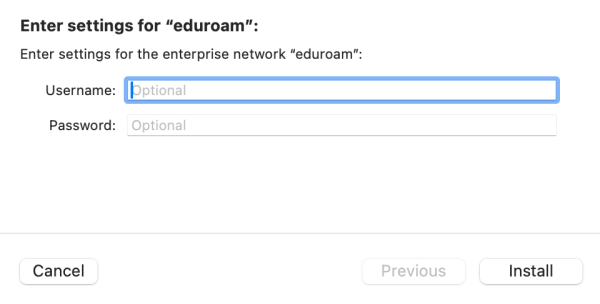
… enter your ASH login data according to the following pattern:
Username: <ASH-username>@ash-berlin.eu
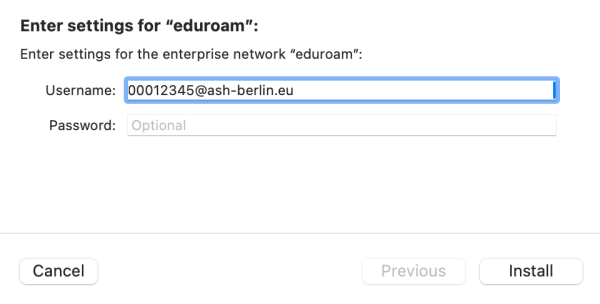
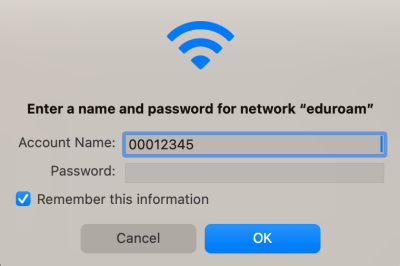
Example for students: 00012345@ash-berlin.eu
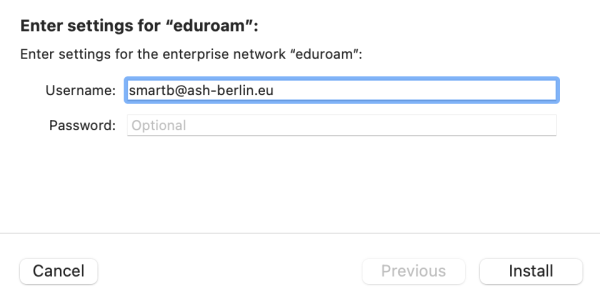
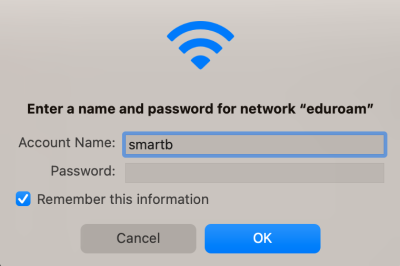
Example for lecturers and staff: smartb@ash-berlin.eu
Password: Password of your ASH Account
Example for students:
Example for lecturers and staff:
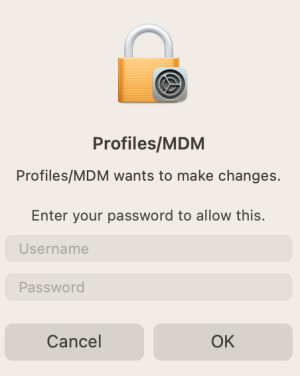
Enter your device password:
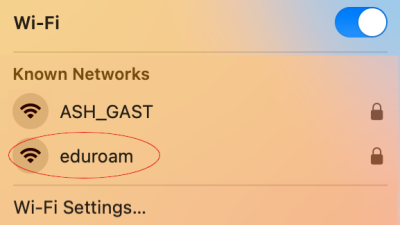
Establish a connection to the WLAN eduroam:
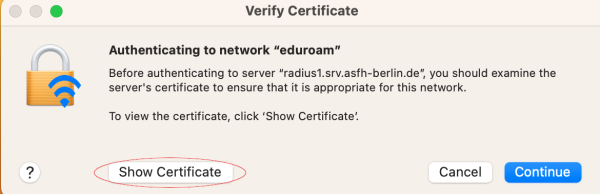
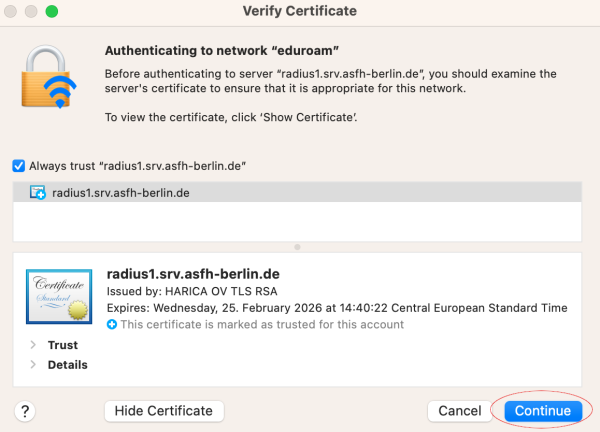
Confirm that the certificate is correct:
Authenticate yourself to the network with your ASH login data. Your login details are the same as for logging into the electronic enrolment system, Moodle, ComZ ticket system etc.
** For students:** Your matriculation number with leading zeros filled up to 8 digits, according to sample 00012345
For lecturers/staff at ASH: Last name + 1st letter of first name, lower case, using the smartb pattern
Example for students:
Example for lecturers and staff:
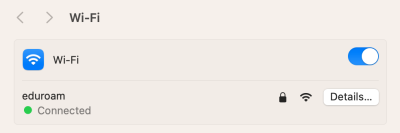
With a successful connection you can now use all services (email, Internet).
Questions? Support here: https://ticket.ash-berlin.eu.