Dies ist eine alte Version des Dokuments!
Enrolment system for students
1. Login and change password
Start up the enrolment system via https://www.ash-berlin.eu/lsf or open the startpage ASH and follow the link Vorlesungsverzeichnis. This will open the home page of the enrolment system:
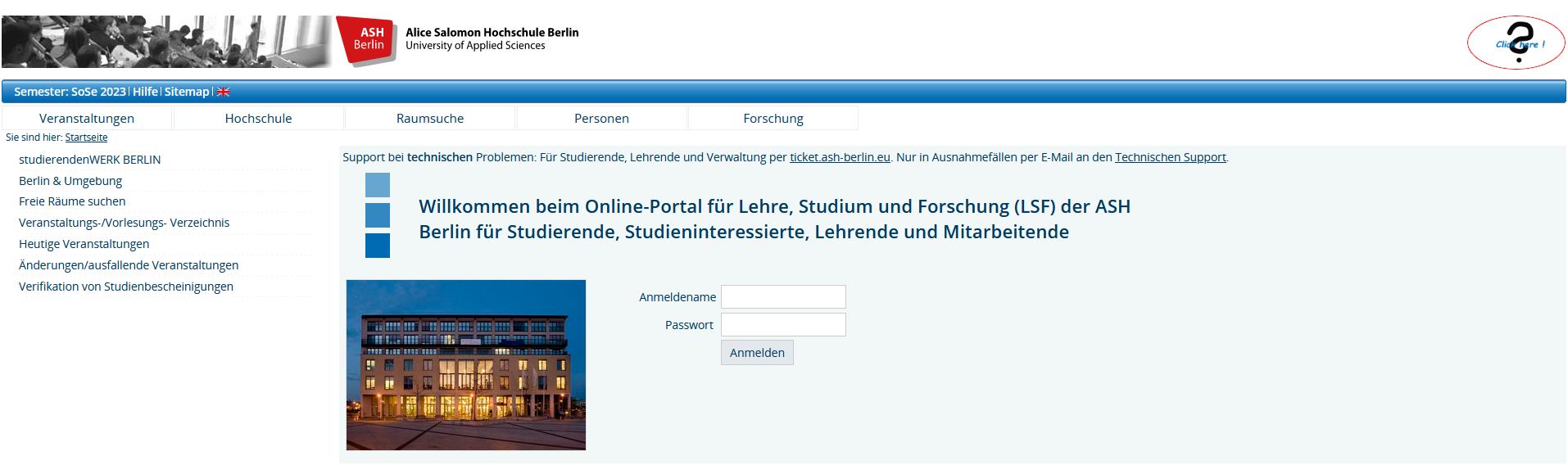
Do you have any questions? Click Questionmark at the top right-hand side.
You do not need to log in to see the Course Overview which can be found under Courses. Information regarding any changes can also be seen here under Actual changes/Lectures cancelled today. Please see Section 11 Course Overview.
By clicking on the English flag symbol in the blue menu bar, you can change the language to English:

This will take you to the page seen below:
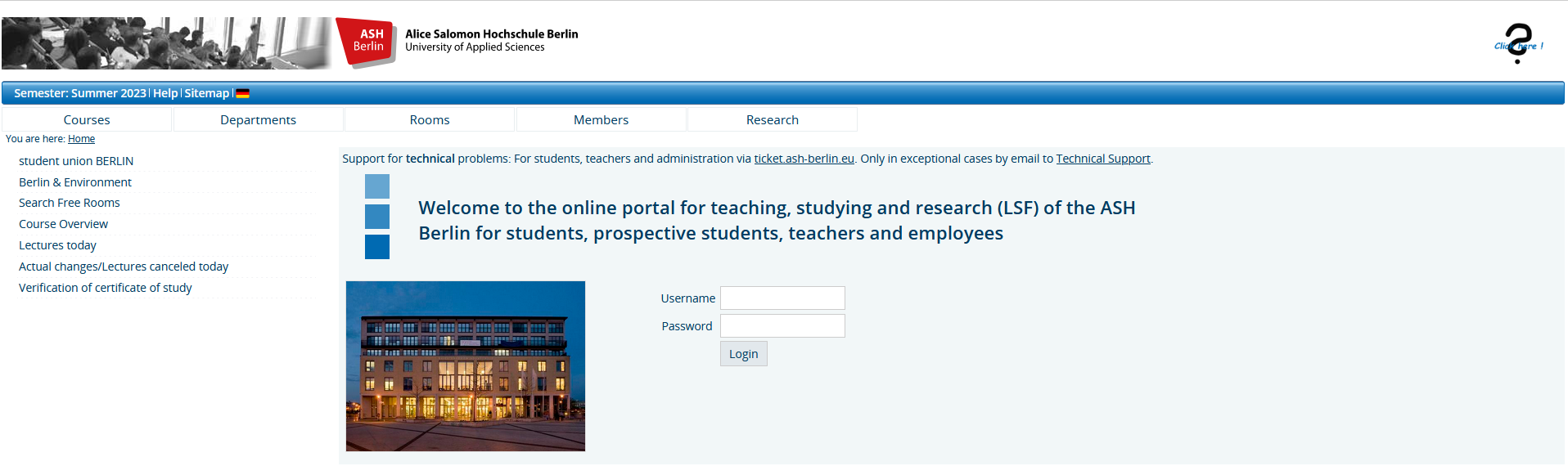
To register on the enrolment system, please enter your username and password.
Your username is composed of your matriculation number preceded by zeros to make an 8-character number.
Example username: your matriculation number is 028919, add two zeros to make 8 characters: 00028919.
Information to your password you will receive in the beginning of your studies. You can view your password information after logging in to the ASH Berlin Application Portal and/or learn it during the information sessions held on orientation days for first-year students.
If all details are correct, the home page for students will appear:

You must change the default password to a password of your choice to activate your ASH email address. You can find information on how to activate your ASH email address here.
You can change your password in the enrolment system under My Functions - Edit Password:

The new password applies to other IT services, such as the Webmail email program, Moodle, and logging in to computers and printers at ASH, among others.
First-semester students can log in to the Electronic enrolment system 28 days before the start of the semester!